Case study · Browser experiment
Accessible Snake
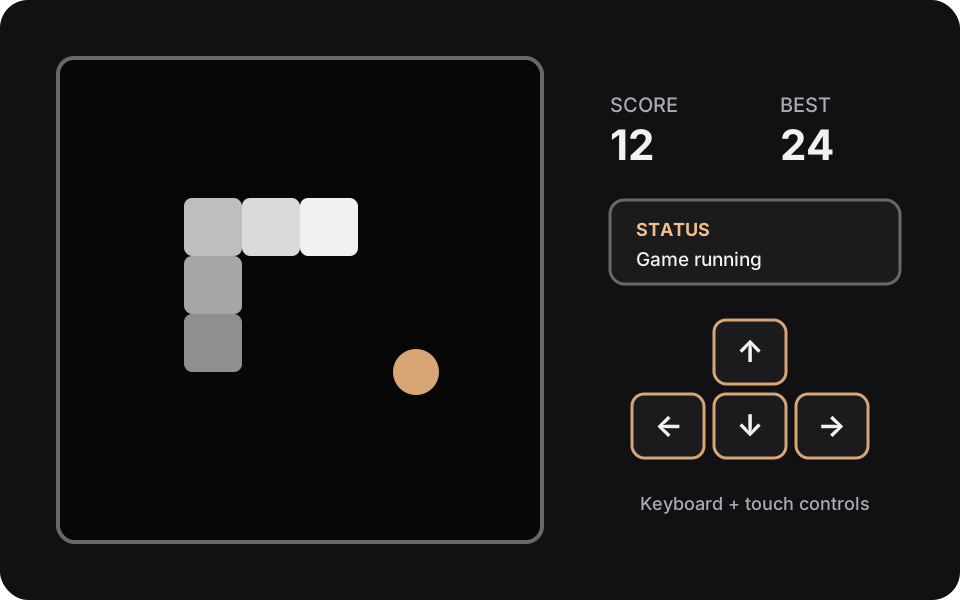
A compact Canvas game designed so game input stays scoped, touch controls remain practical, and state changes are conveyed in text.
The problem
Canvas can provide a focused game surface, but it does not supply accessible controls or state feedback on its own. Global key handlers can also interfere with normal page scrolling, while small touch targets make mobile play difficult.
The approach
The game engine is separated from the DOM so movement, food placement, collisions, score changes, speed changes, and state transitions can be tested deterministically. The UI layer owns rendering, timers, local storage, and announcements.
Arrow-key and WASD input is bound to the focusable game region rather than the window. Direction buttons provide 44-pixel touch targets, the status uses a live region, the best score stays in local storage, and the game pauses when the page is hidden.
Verified behavior
- Movement wraps at each board edge and rejects direct reversals.
- Only one direction change is accepted per tick.
- Start, pause, resume, game-over, win, and replay are explicit states.
- Normal page scrolling remains available outside the focused game.